Where children find out what they’re capable of.
By making things. MakerClass moves your child through Arts, Design & Media, Engineering, and Technology, one domain a month, then a month-long integration project that brings all three together. Four 90-minute sessions a month, on weekends or weekday afternoons.
TRY FIRST · PAY AFTER
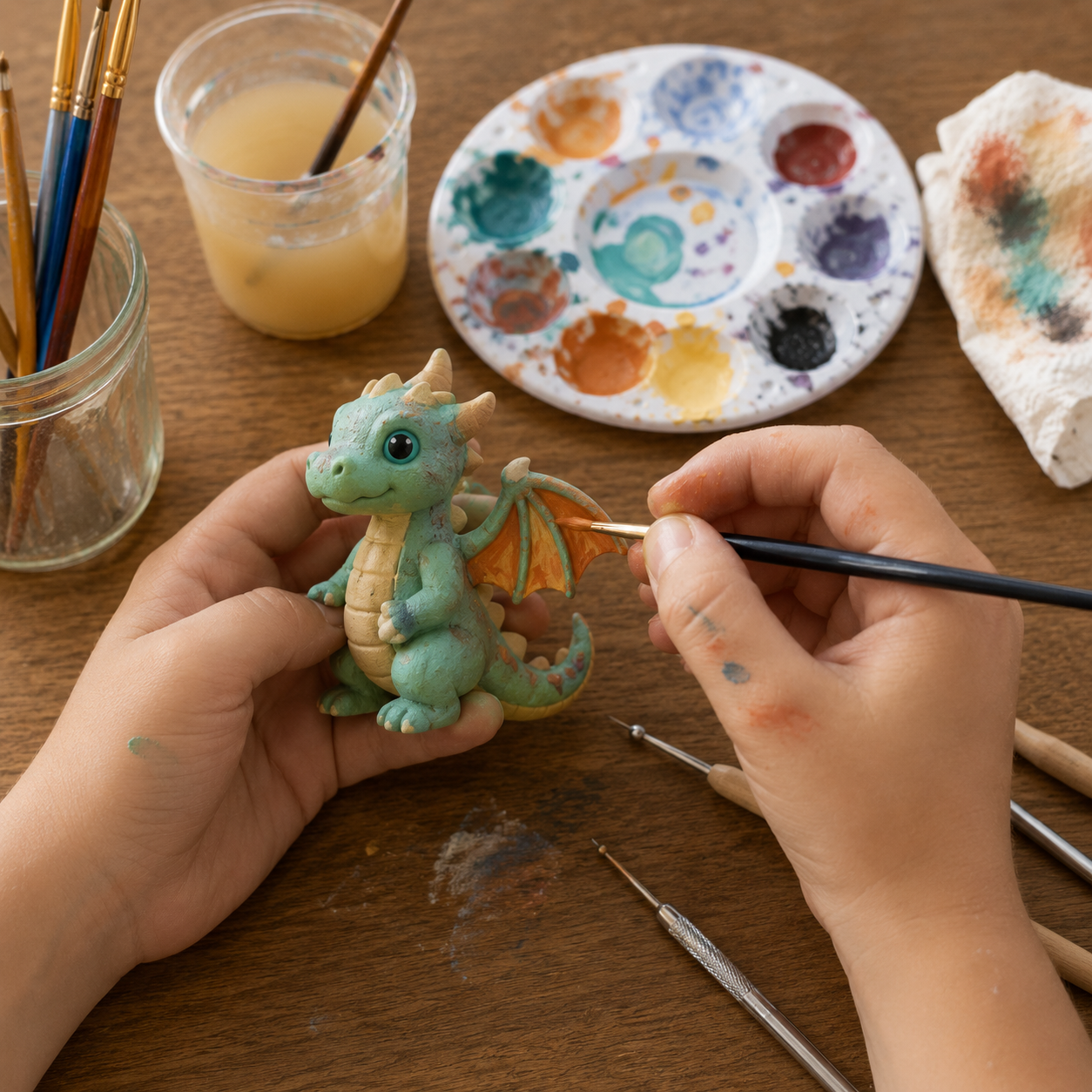
AI-generated illustration
Most of a child’s week is following instructions.
Between school, tuition and enrichment, children get little room to make their own choices, try new ideas or express themselves. And when their work doesn’t match the expected standard, they’re often told, directly or not, that it’s wrong or not good enough.
These build knowledge and discipline, and they matter. But the steps and the right answers are set by someone else, and over time, waiting to be told becomes a habit that’s hard to break.
These are genuinely good at teaching expression, colour and technique. What they don’t usually connect to is a 3D print, a circuit, or a laser-cut piece, so the drawing stays a drawing.
These are genuinely good at teaching logic and computational thinking. What they don’t usually connect to is something physical: the code runs, but nothing moves in the room.
These are genuinely good at hands-on building. What they don’t usually offer is a design choice, because the kit and the outcome are mostly fixed before your child starts.
Room to choose, invent and express themselves, with no single “right” answer to match. Your child decides what to make, works out how, gets it wrong, fixes it and finishes it, getting better from wherever they start, with a mentor alongside. Every month, across art, engineering and technology, MakerClass moves them from following instructions to making their own decisions and creating independently.
Develop mindsets. Learn skills. Build capabilities.
Guided through each step, with plenty of room to experiment and go their own way. Asked “why” along the way, so they understand the purpose of each step and learn to think critically. Mistakes are the next step, not a verdict, and progress is measured from where they started.
Drawing, graphic design and media. 3D design, living systems and mechanisms. Electronics, coding and the web.
Combining those skills to take an idea from a blank page to a finished thing that works. That’s what every integration month is for.
A working lab, not a classroom.
Your child learns in the same lab our adult makers use, and sees what these skills turn into.
Adult members paint, design, print and build here for their own projects. What they make gives your child ideas, and something to aim for.
The adults here are still using these skills years after childhood. What your child learns isn’t just fun for a term; it’s something people keep building on.
Your child’s projects are made with the same machines and tools that produce real customer orders. What they make works, lasts, and is worth keeping.
Three domains. Three focuses each.
Each time a domain comes round, your child moves to its next focus. Over a full year, that covers all nine.
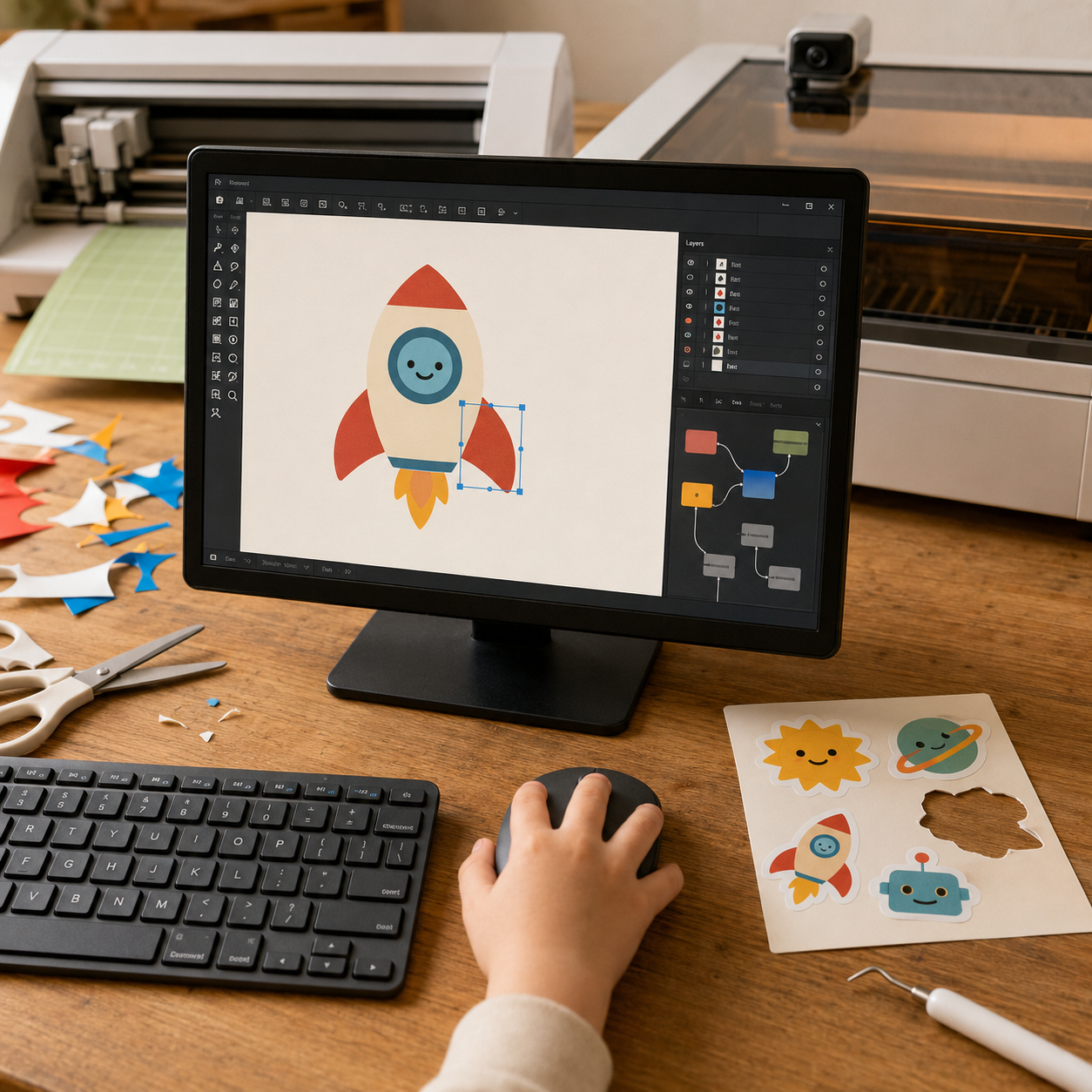
AI-generated illustration
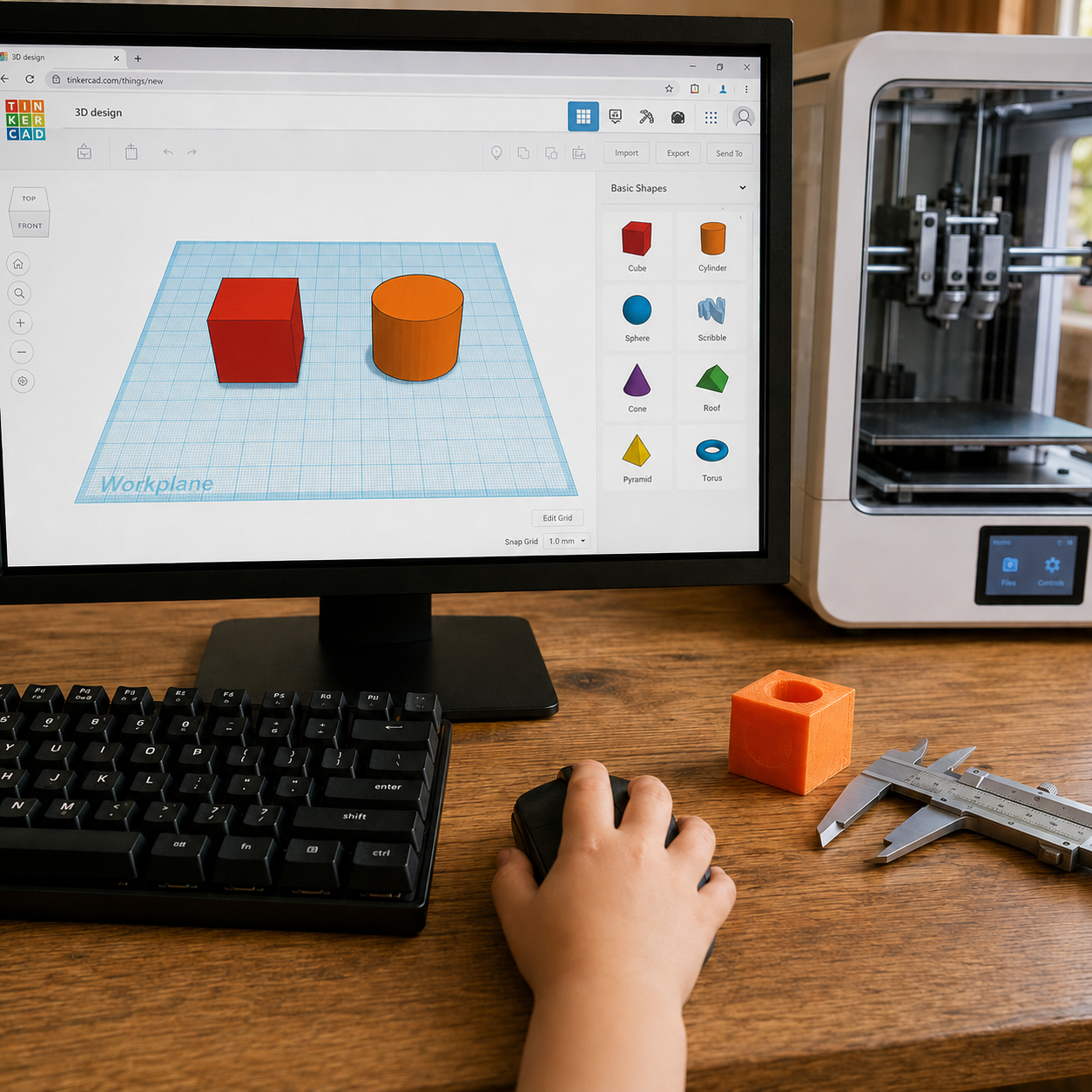
AI-generated illustration
AI-generated illustration
Three domains. Then combine.
This four-month cycle repeats three times a year. The order of the three domain months may vary.
Your child takes what they built in the three domain months and combines it into one project, so the design becomes the print and the code becomes the thing that moves. The paludarium we’re building at the front of our lab is this kind of project: a 3D-printed terrarium, a living biofilter, and automated misting electronics.
A 3D-printed planter with a soil-moisture sensor that switches on a small pump when the soil dries out, finished with a label your child designs and cuts.
A character drawn by hand, digitised and laser-cut in layers, on a 3D-printed base with LEDs your child programs to change colour and brightness.
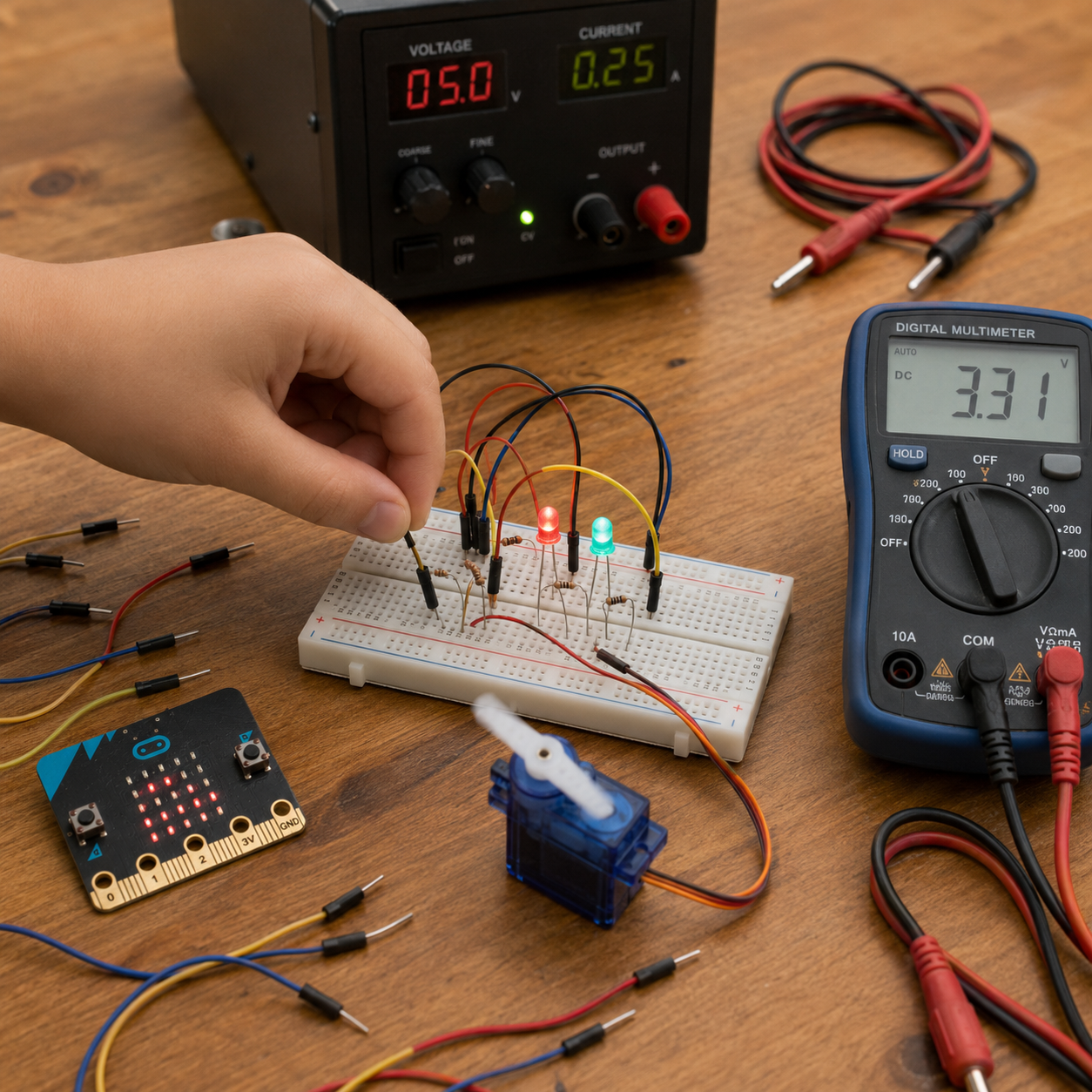
A hand-painted figure on a mechanism your child builds, driven by a motor that a micro:bit switches on when it senses a sound or a button press.
Try it first. Pay only if they’re coming back.
Your child attends the first session before you pay anything. If they want to continue, the $240 covers all four sessions that month, including the first. If not, you owe nothing.
Common questions
What age can my child start?
Do we need to start with a particular domain?
What happens in a month?
Does my child need earlier experience for Integration?
Will adults be in the lab during sessions?
Can my child leave on their own after a session?
What if my child misses a session?
What happens after MakerClass?
How much does MakerClass cost?
What is the refund policy?
Getting started
Message us on WhatsApp with your child’s age and the times that suit you. We’ll reply with real open slots and what’s running this month. There are no forms and you won’t wait for a callback.